


アクセアカフェ神保町店
- Store Information
- Facilities
- How to Use
神保町のコワーキングスペース、ノマドカフェ、ウェビナー、オンライン会議、テレワークに!!
東京メトロ半蔵門線、都営新宿線、都営三田線「神保町駅」A5出口より徒歩3分、でご利用いただけるコワーキングスペースです。
全席電源完備、Wi-Fiのほか、フリードリンクや軽食など快適にお過ごしいただける空間をご用意しております。
個室のテレワークブースもそろえておりますので、周りを気にせず作業に集中したい方にも最適です。
ご利用をお待ちしております。
Store Information
〒101-0051 東京都千代田区神保町1-10 角谷ビル 2F
TEL: 03-6272-3720
URL: https://cafe.accea.co.jp/map/jimbocho.php
24時間営業
※22:00~翌6:00まではBizSPOTアプリにて本人確認がお済みのお客様のみご利用いただけます。
-
 Power Supply at Every Seat
 -
 Free Wi-Fi
 -
 Free Drinks
 -
 Outside Food & Drinks Allowed
 -
 Free Rental Items
 -
 Coupons Available
 -
 Private Booths Available
 -
 Phone Call OK
 -
 Online Call OK
 -
 Conversation OK
* Bringing or consuming alcohol of any kind is not allowed.
* All seats are open for conversation, cell phone use, and online calls, but please be considerate of other patrons in terms of voice volume, etc.
Fees
| Plans | Fees | Extension Fees |
|---|---|---|
| 30分 |
¥240 (in tax ¥264) |
¥120 (in tax ¥132) /15 minutes |
| 3時間パック |
¥1,200 (in tax ¥1,320) |
¥120 (in tax ¥132) /15 minutes |
| 9時間パック |
¥2,800 (in tax ¥3,080) |
¥120 (in tax ¥132) /15 minutes |
* The fees listed is per person. charges apply for individuals aged elementary school and above.
Facilities
Seats
テレワークブース・個室 1人用×4室
テーブル席(個別)1人掛け×4台
テーブル席(ソファタイプ) 4人掛け×2台
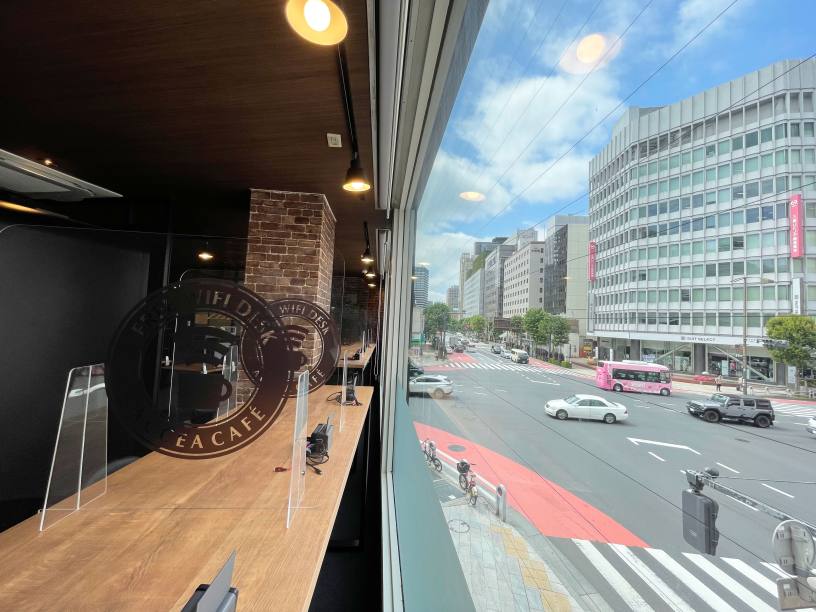
カウンター席 7席
ハイバックソファ席 1人用×8台
ミーティングルーム 4人用×2部屋
Drinks
給茶器
コーヒーメーカー
ドリンクバー
Foods
電子レンジ
冷凍食品
焼き菓子
Free Rental Items
USB充電コード
充電器
延長コード
USBハブ
マウス
ひざかけ
ACアダプタ20W
USB-C→USB-Aへの変換プラグ
USB-A→USB-Cへの変換プラグ
クッション
ノートPCスタンド
スタンドライト
Printing Servicies
Access
●東京メトロ半蔵門線、都営新宿線、都営三田線「神保町駅」A5出口よりすぐ
Floor Guide
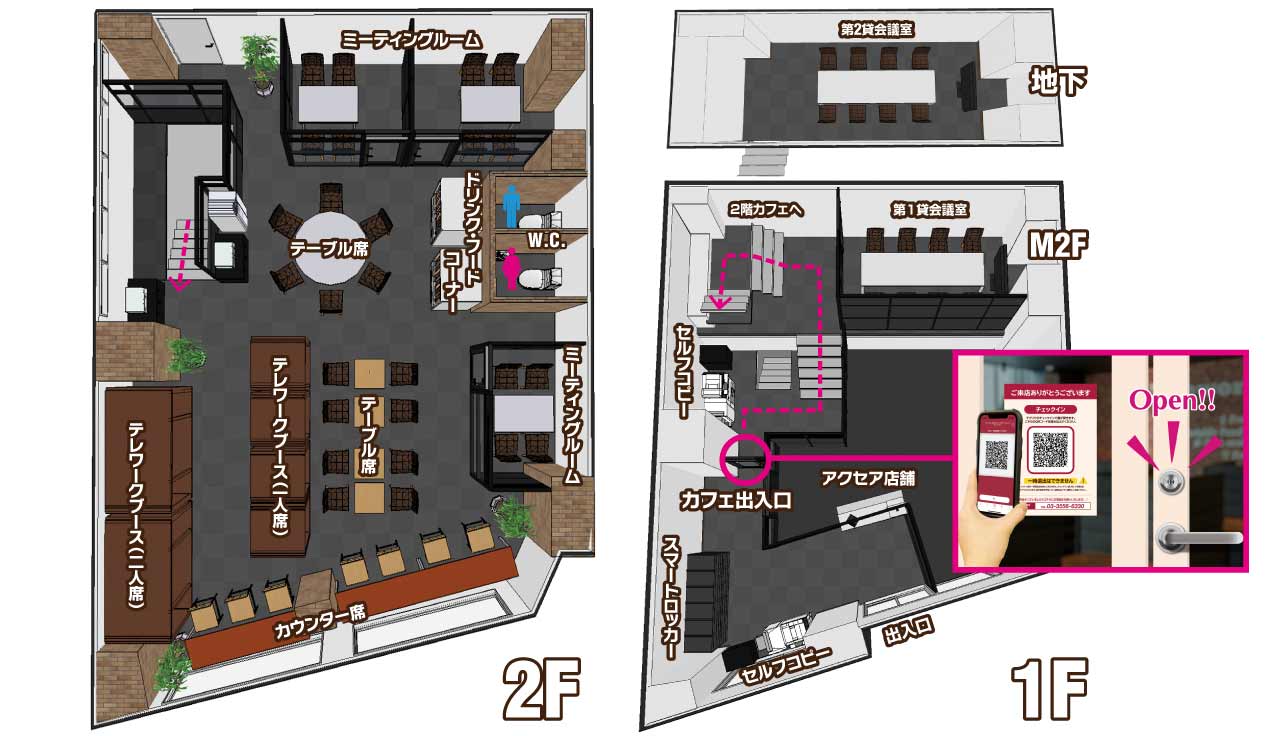
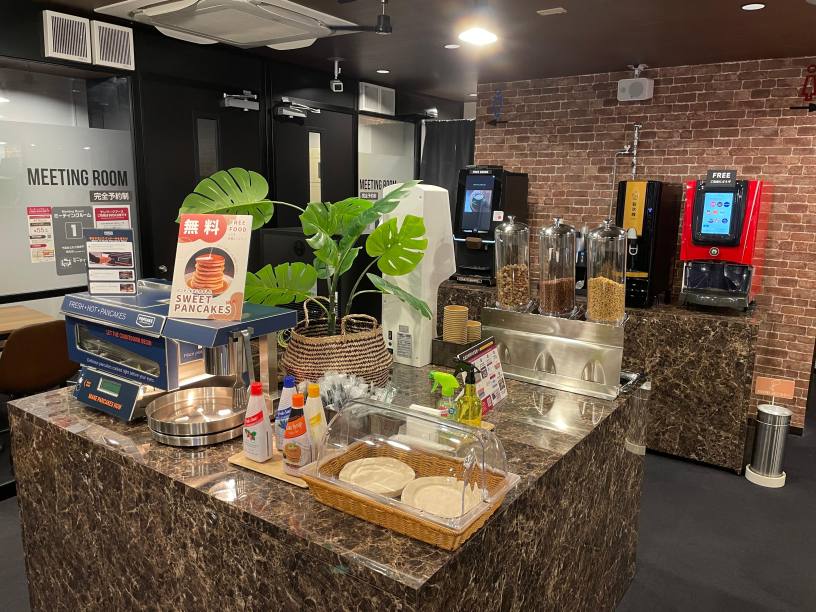 ドリンク・フードコーナー
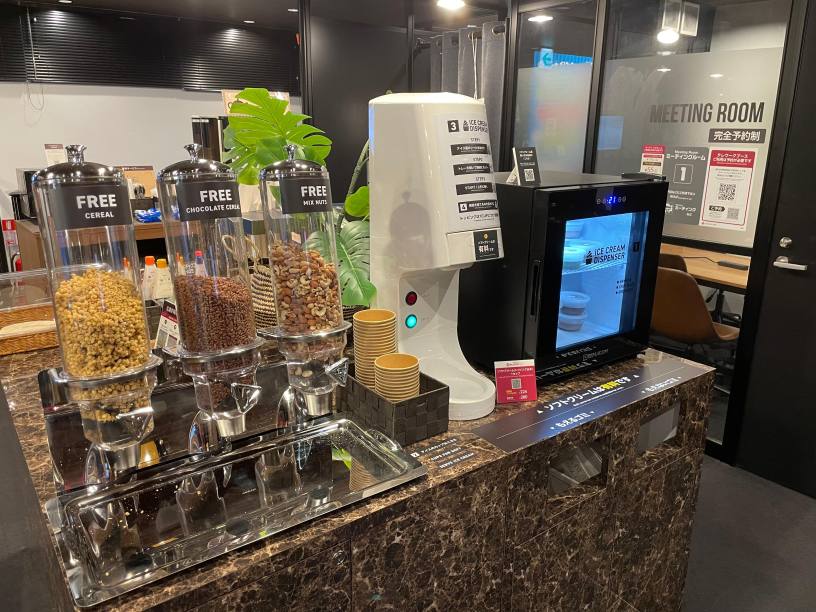 アイスクリームコーナー
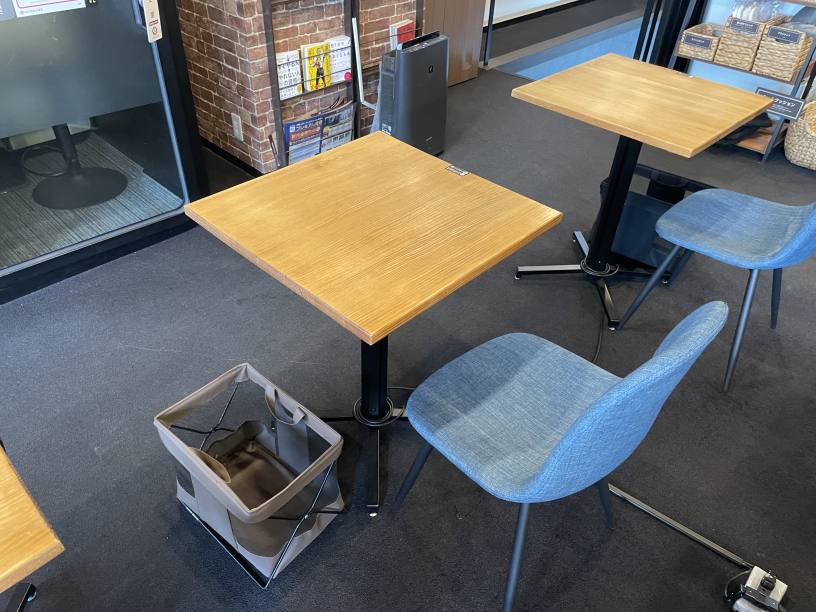 テーブル席
テーブル席
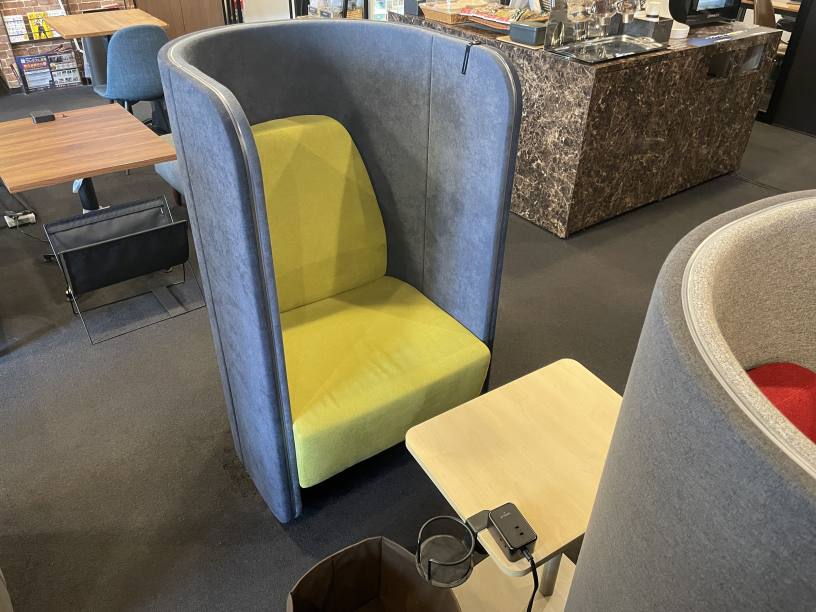 ハイバックソファ席
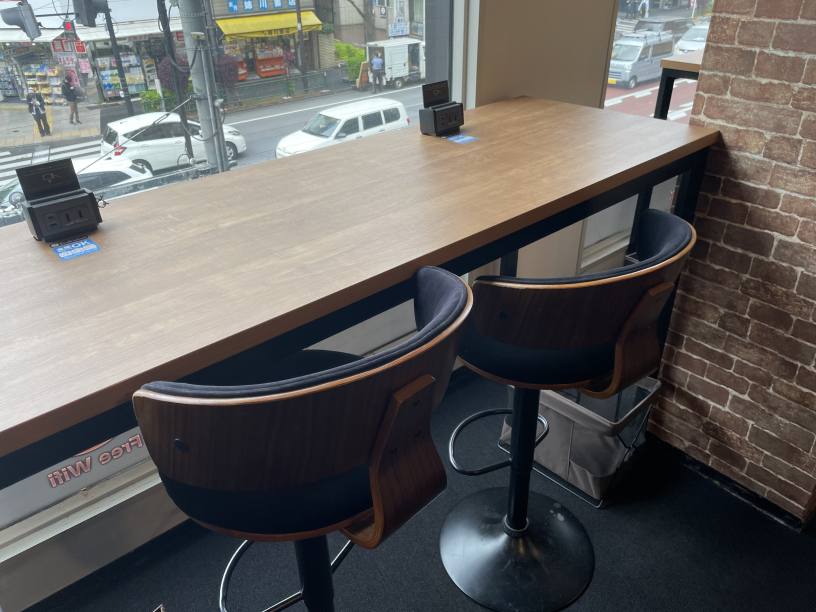 カウンター席
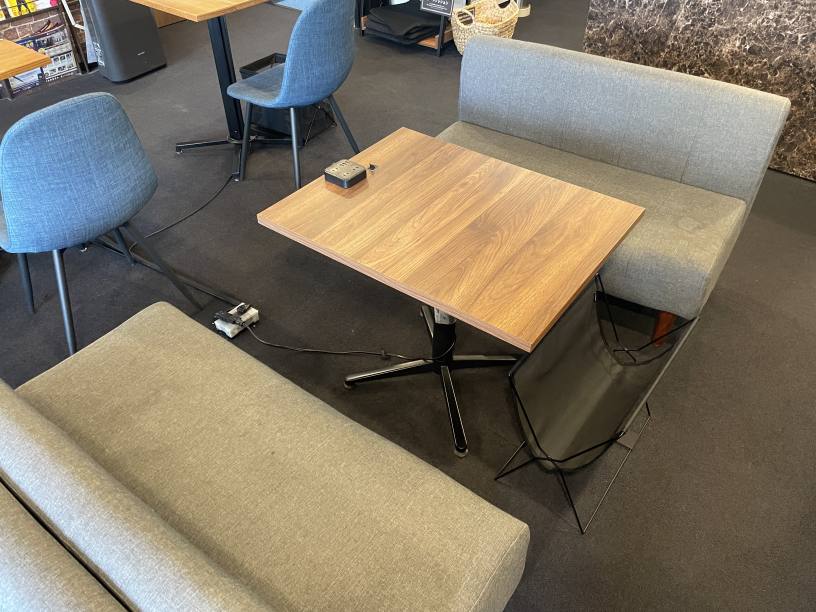 4名様用ソファ席
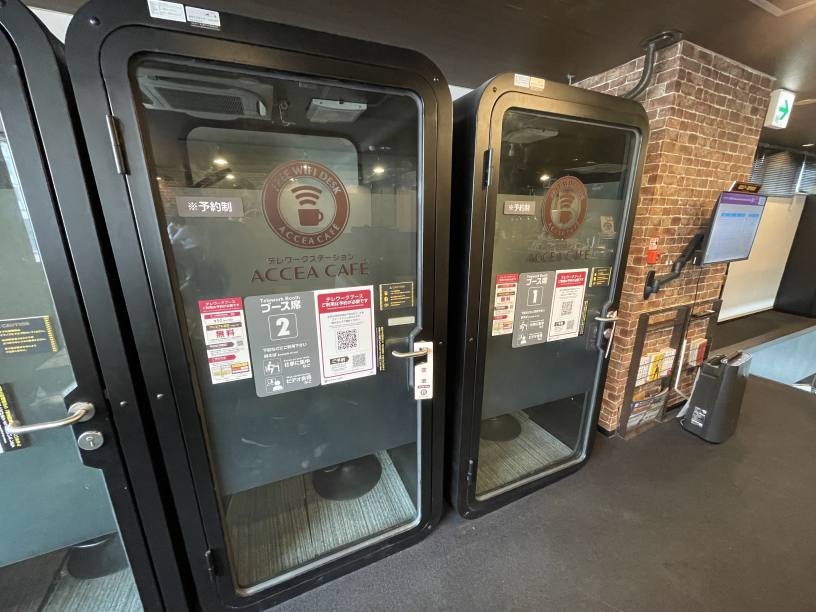 個室ブース席
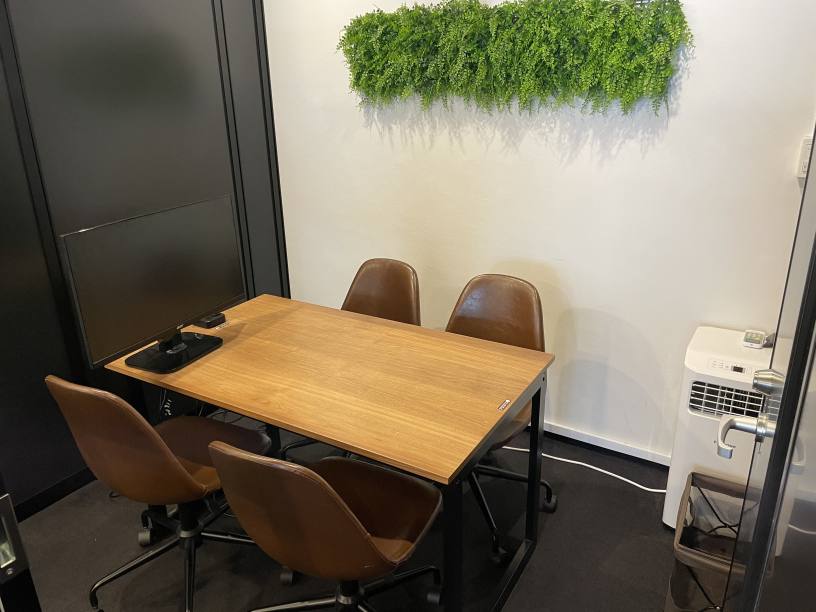 ミーティングルーム(4名様)
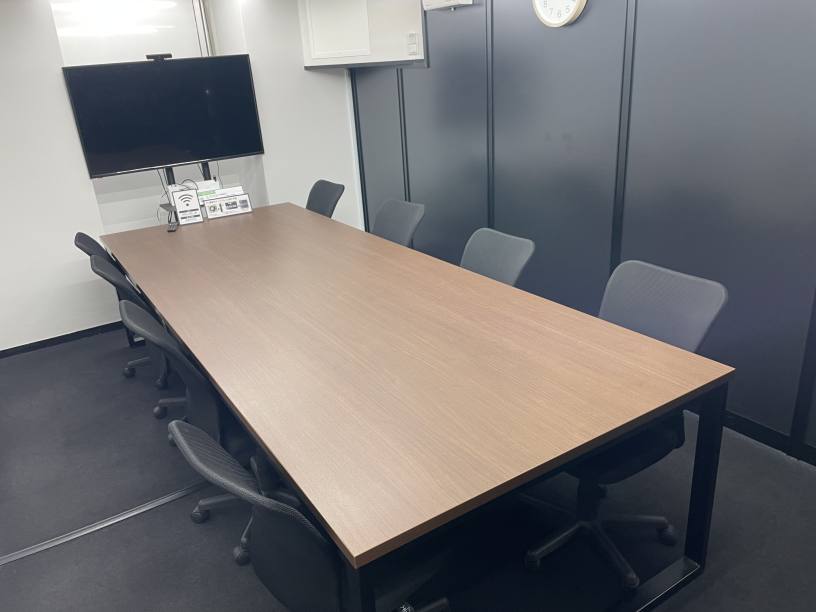 貸会議室(8名様)
Check-in/Check-out with the BizSPOT App
(ACCEA CAFÉ, Smart Lock-enabled stores)
-
 STEP1 Download the app and register your credit card
Download the BizSPOT app and register your credit card information. Prepare the "Check-in" screen.
-
 STEP2 Scan the QR code with the app for Check-in & Door Unlocking
Select the "Check-in" function in the app. Tap the Check-in button.
-
 STEP3 Usage of spot
Choose your preferred seat. You can also change seats during your visit.
-
 STEP4 Scan the QR code to Check-out
Select the "Check-in" function in the app. Tap the Check-out button.
If you need to temporarily exit during your check-in.
Temporary Entry/Exit during Check-in
(ACCEA CAFÉ, Smart Lock-enabled stores)
-
 STEP1 Temporary Exit Tap the Temporary Entry/Exit button
If you need to temporarily exit during your check-in.
-
 STEP2 Scan the Temporary Entry/Exit QR code
Scan the Temporary Entry/Exit QR code.
Usage fees will still apply during your absence. -
 STEP3 Re-entry Tap the Temporary Entry/Exit button
If you wish to re-enter.
-
 STEP4 Scan the Temporary Entry/Exit QR code
Scan the Temporary Entry/Exit QR code.
QR Code is a registered trademark of Denso Wave Incorporated.